Adding Content to Your App
How to use Scheduled Publishing and Scheduled Archiving
If you want to create content within the app and publish it at a specific time, for example, you have certain news that can only be released after a certain date, then you will want to use our Scheduled Publishing feature!
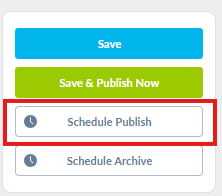
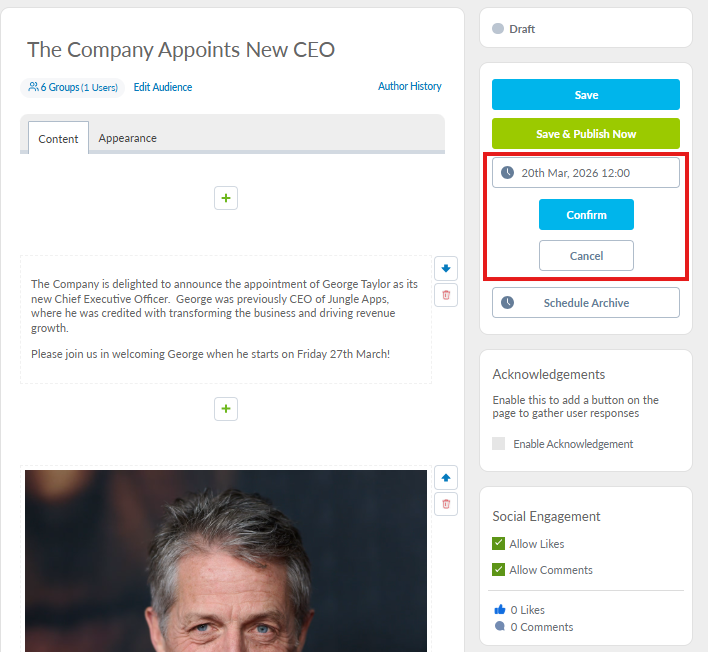
Simply create and save your content as normal, then click on Schedule Publish and select the date and time you want to publish the content, then click Confirm
You can then see that your content is scheduled and will be published at the date and time selected
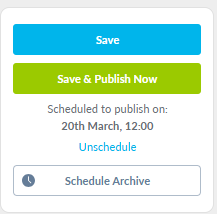
You can unschedule if you need to make changes and you can also schedule a time to archive the post once the content is no longer required. Simply click on Schedule Archive and select your date and time
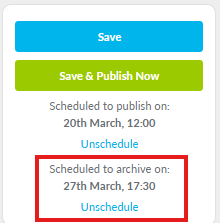
This will mean that your post is automatically sent to Archive at the specified date and time!