News & Feature Release Updates
Five Fresh Ideas to Jumpstart Your Employee App This June!

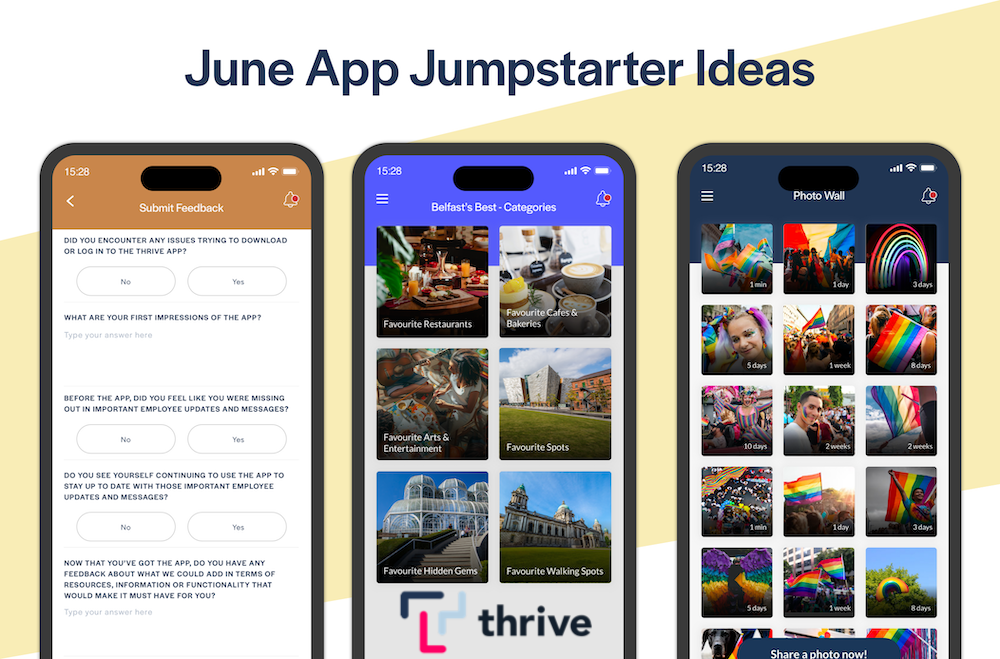
Here's our monthly roundup of examples of good practice from other Thrive customers, and ideas to give your employee app a jumpstart this June!
Celebrate PRIDE Month in June 🏳️🌈
This June, celebrate and recognise your LGBT+ employees and your own organisation's commitment to diversity and inclusion in your employee app with some of these ideas...
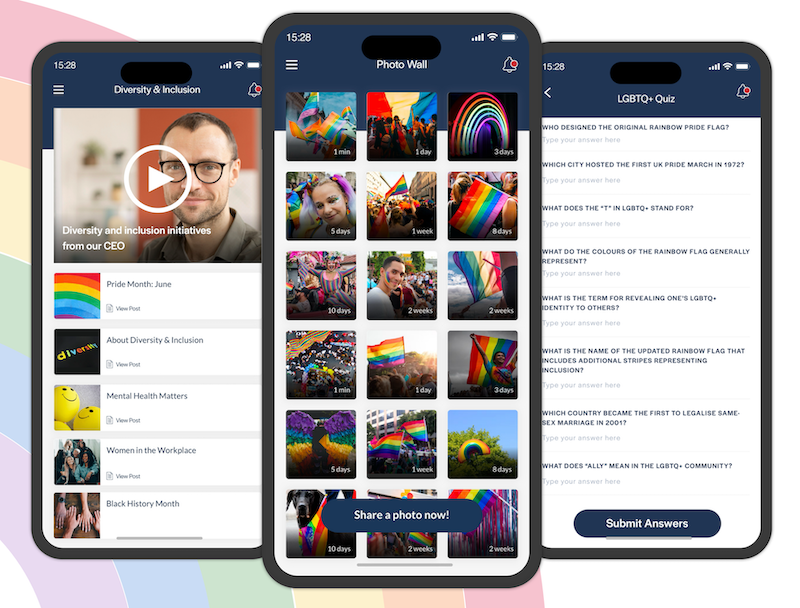
- Highlight your company's diversity and inclusion initiatives with a video from your CEO or Senior Leadership.
- Create a Pride - Did you know? List in your app, and share facts and stories about LGBT+ leaders, terminology and history throughout June.
- Post an LGBT+ history and awareness quiz to add some interactivity to your Pride celebrations. There are a number of online services like Typeform you can use to create a quiz like that - but if you'd like some help from us to get something like that created please email our Support Team and we'll be happy to help!
- Add a digital Pride Wall List to your app for June. Enable User Publishing and encourage your employees to post their best pics and videos from Pride events throughout June.
Level-Up Your App's Look & Feel With a Thrive App Refresh ⬆️
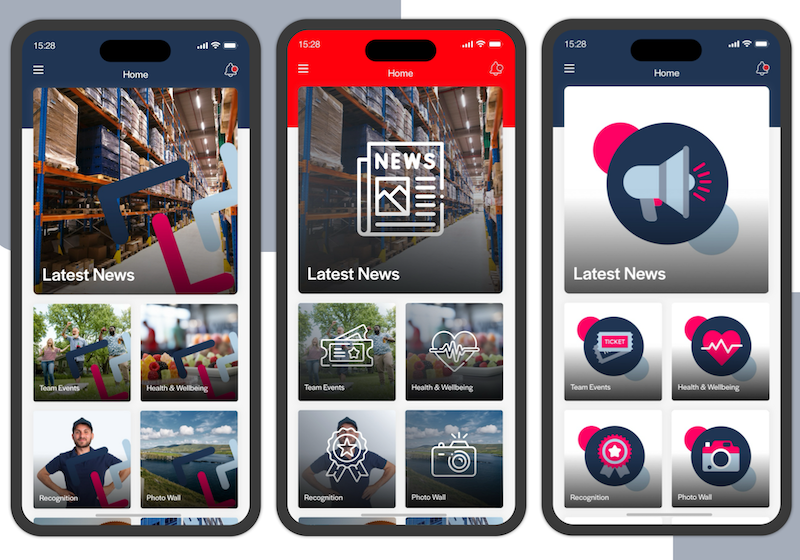
Over time your employee app can start to feel stale if your employees have been seeing the same Homescreen with same featured images. Fight-off app fatigue and keep it fresh with an update to imagery and layouts.
We can offer you a customised app refresh package, designed to give your app a fresh and modern look, with minimal effort on your part. The refresh package can include a new app icon, new featured images for your Homescreen and any other parts of your app... and a selection of promotional materials that you can use to showcase the benefits of your app and encourage employees to download.
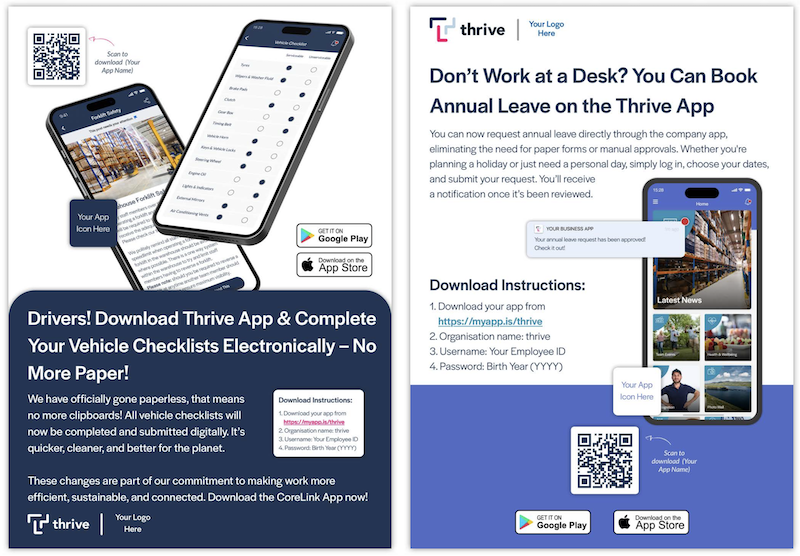
If you're interested, please have a look at the App Refresh Pack options at this link then get in touch for a chat about which options you'd like to go for, and we can provide a quote for the design work.
Even a small refresh for some of your featured images can really help to give your app a big visual boost!
Celebrate Your City With Employee Recommendations 👍
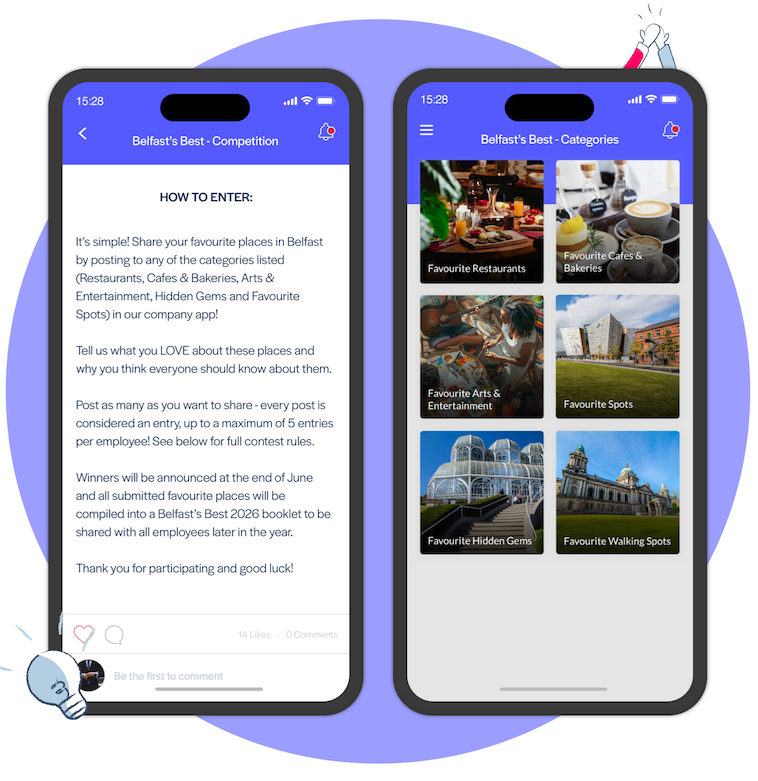
One of our customers had some fantastic recent app success by using their app to celebrate the city of Toronto's 192nd birthday.
The idea was to celebrate the city by encouraging employees to post their recommendations on their favourite bars, restaurants, cafes, hidden gems and so on. To do something similar for your city, start by posting an overall container List, with UGC sub-lists inside it for each recommendation category such as Share Your Favourite Restaurants, Share Your Favourite Hidden Gems, etc. Then ask your employees to post their recommendations with as much detail as possible about what they love about those places and why they think everyone should experience them!
This particular customer ran this campaign in their app for a limited time as the Best of Toronto 2026 Contest. Employees were allowed up to five recommendations each across all categories, and the best recommendation was selected as the contest winner with a city-themed prize. This a great example of a simple and effective way of encouraging employee engagement, and having a little bit of a fun with your employee app!
Get Employee Feedback To Make Your App Must-Have 💡
If you want to ensure employee app success you need to be able to answer the following question convincingly:
"Why should I download this app? "
To answer this question, our most successful customers do the following three things really well:
- They plan ahead to ensure a consistent flow of fresh and interesting content is being added to their app on a regular basis. (See my recent blog post about how to approach content planning at this link).
- They offer their employees opportunities for two-way app engagement with User Generated Content such as a space to share ideas, recommendations, themed photo & video walls, etc.
- Their app solves a problem or improves a process - especially for desk-less employees with limited access to company systems or an intranet. Things like submitting their timesheets through the app, signing up for overtime shifts or submitting end of shift checklists for example.
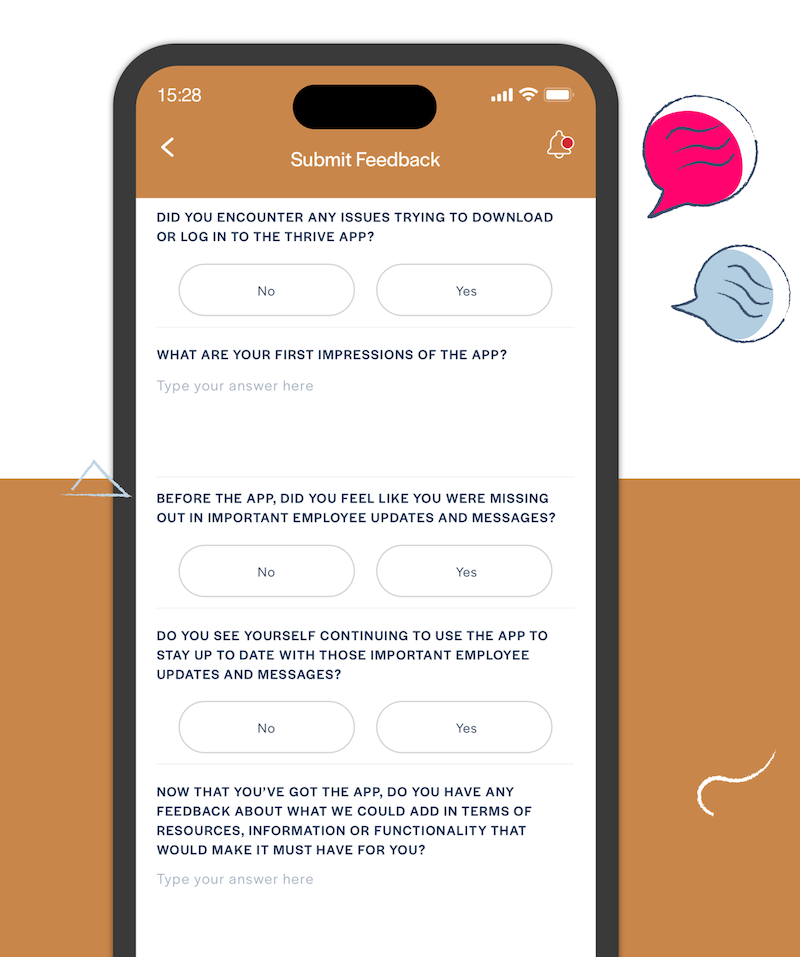
But how do you find out in the first place what content your employees are going to find interesting and engaging? Or what problems exist that your app could help to address? The answer is; by getting feedback about what would make the app must-have for them. While you can get this kind of feedback from staff surveys and focus groups, we recommend that you do so in your app too. It's another great use-case for our recent Formbuilder feature.
You won't be able to do everything your employees ask for, but if you want some help with implementing any of the submitted feedback, reach out to your Thrive Client Success Manager and we'll be happy offer advice and examples of how other customers may have done something similar!
Create a Consistent Visual Style With Duplicated Templates ⭐️
You can now use the new Duplicate option in the Thrive CMS to create a duplicate of any Page. Whereas the Existing option allows you to place a single piece of content in two different places in your app, a duplicated content item exists separately and is edited independently of the original.
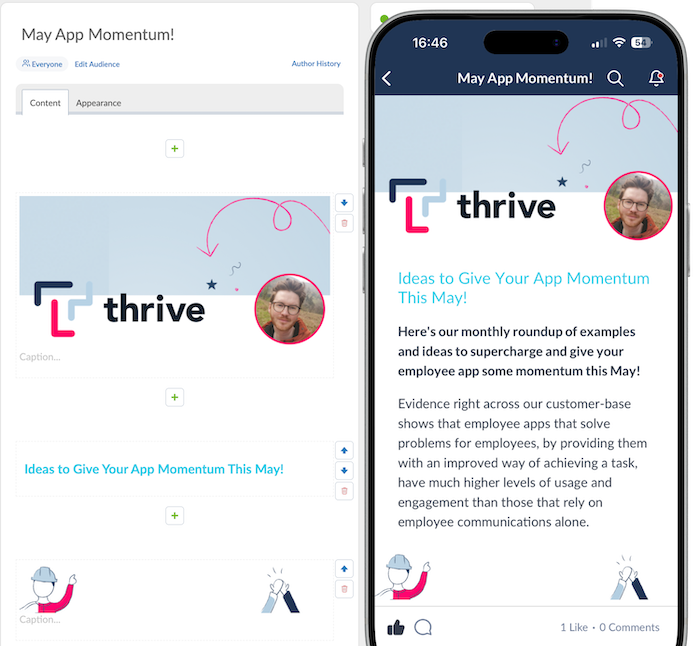
This opens up the possibility to create a great-looking template page for your news updates. Set up your template page with the necessary header graphics, title text colours, etc and maintain a consistent visual style in your employee app by simply duplicating your template page each time you want to make a new post!
Even a simple header and footer image in your duplicated template like the example below can not only give your app updates a great visual boost, but also helps embed and promote your company's visual identity across your employee app.
Planning to have a go at any of these ideas to give your app a jumpstart this June? If so, we'd love to see and hear how your campaigns work out! If you're sharing your success on social media, please tag Thrive.App on LinkedIn, Facebook, or X.
If you'd like some extra help with implementing any of these ideas, and would like to schedule a call to discuss, please reach out and we'll be happy to help!