
Blog
Improve Content Discoverability with our New Combined Highlights Feed
Our new Combined Highlights Feed allows you to display content from right across the various Lists in your app, all in one place to improve content discoverability! Instead of your employees having to hunt through the various sections of your app to see what's new, if you add a Combined Feed to the top of your Home Screen it can automatically pull in new content that's been posted to any List in your app.

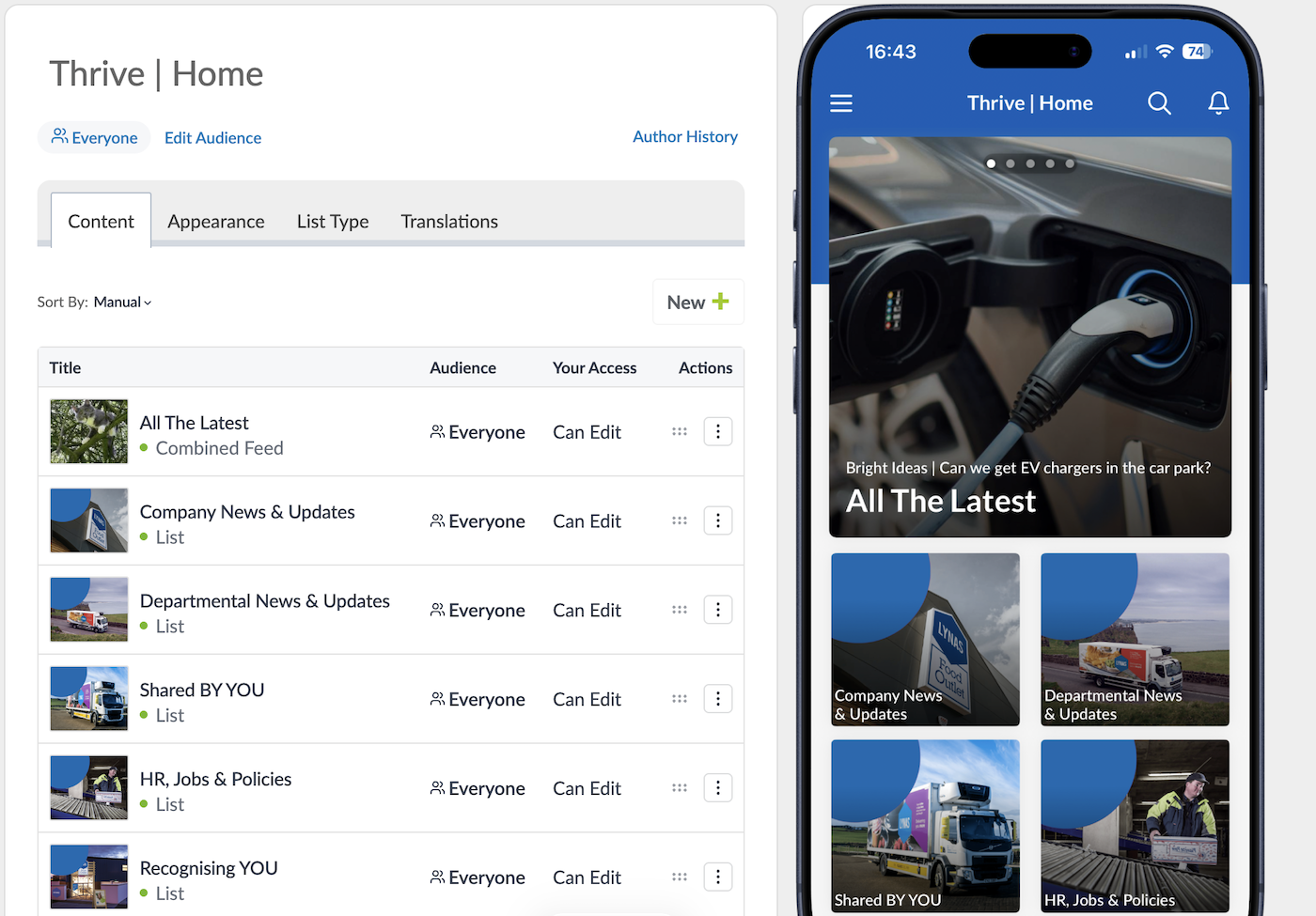
Give Employee Voices More Visibility
This can be a particularly helpful way to further encourage your employees to get involved and engaged with your app's User Generated Content sections. You can set up your combined feed to show posts from your Latest News List, as well as your Staff Shout Outs, Share Your Photos, Bright Ideas, etc so that everything that's new to the app is right there front and centre in the feed on your Home Screen when they open the app, instead of them having to go digging to find out what's new!
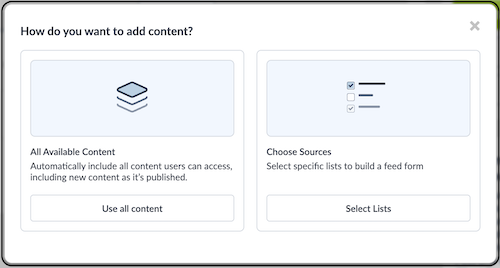
Make Sure Great Content Doesn’t Get Missed
When you add a Combined Highlights Feed to your app, you can choose between having it display all new content from all Lists in your app, or you can curate the feed to have it only display new posts from the Lists of your choosing. Our recommendation to maximise the Combined Feed's potential to improve content discoverability; is that you add a new Combined Feed to the top spot on your app's Home Screen and call it something like All the Latest, while your Latest News List drops down to the second slot on your Home Screen. You can't manually post new content to a Combined Feed. It simply pulls content from other Lists. So you'll still post your news stories into your normal Latest News List for example... but those Latest News posts will also appear in your Combined Feed alongside posts from the other Source Lists you've chosen.
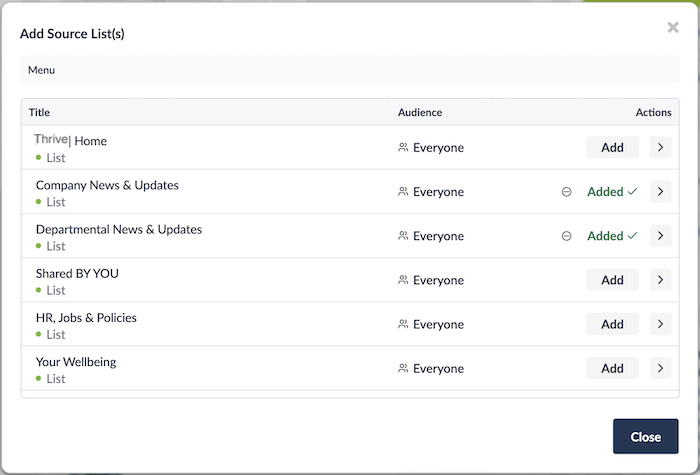
Everything new in your app, all in one place!
For a full walkthrough and guide on how to add the new Combined Highlights Feed to your app, and start improving discoverability of your content today, please have a look at this new article on the Thrive Help Centre that contains all the details.
Thrive clients, if you have any questions or need some help with adding a Combined Highlights Feed to your app, please reach out to Client Success and we'll be happy to schedule a call!
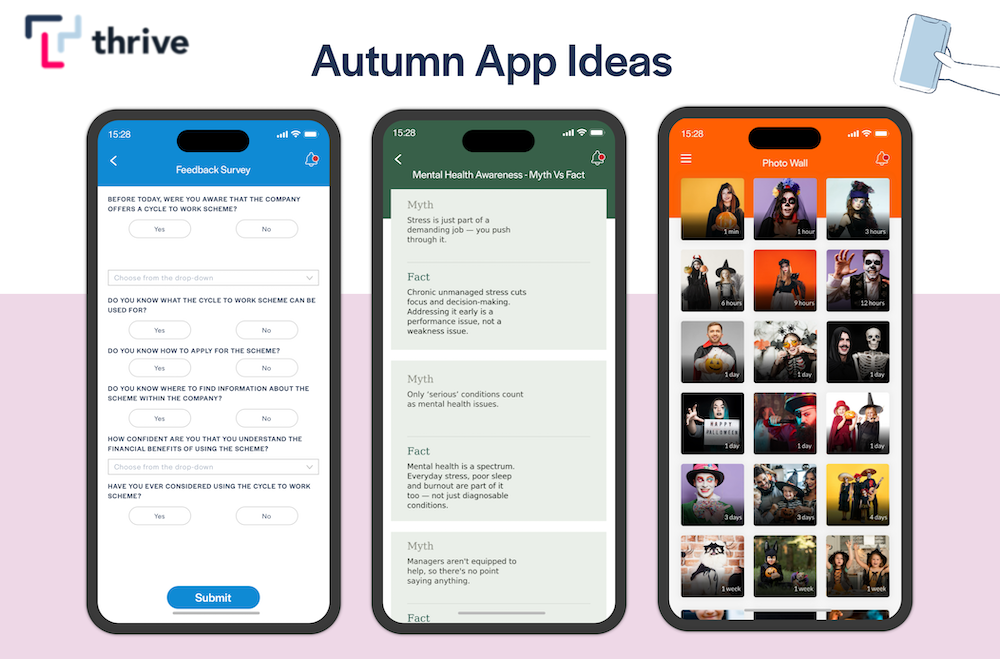
Autumn Ideas to Brighten Up Your Employee App This October
By Ian McCutcheon, Client Success Manager, Thrive 5 October, 2026
Employee App Success
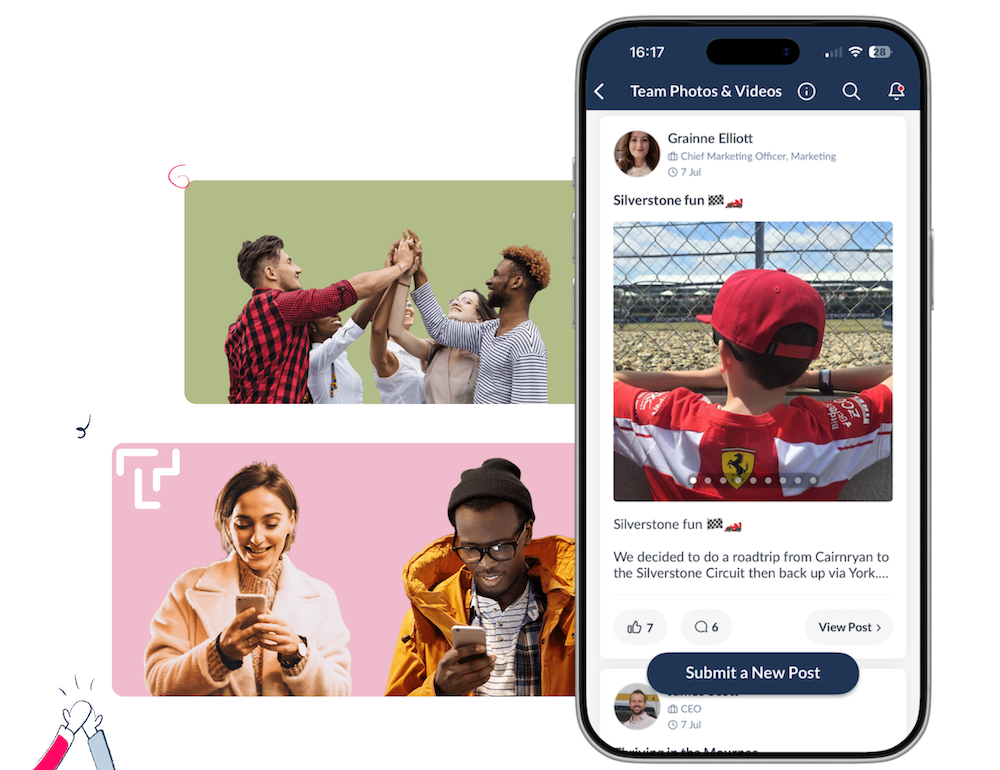
Level-Up Your Thrive App's Look & Feel With Our All-New Social List Layout
By Ian McCutcheon, Client Success Manager, Thrive 17 September, 2026
Feature Updates
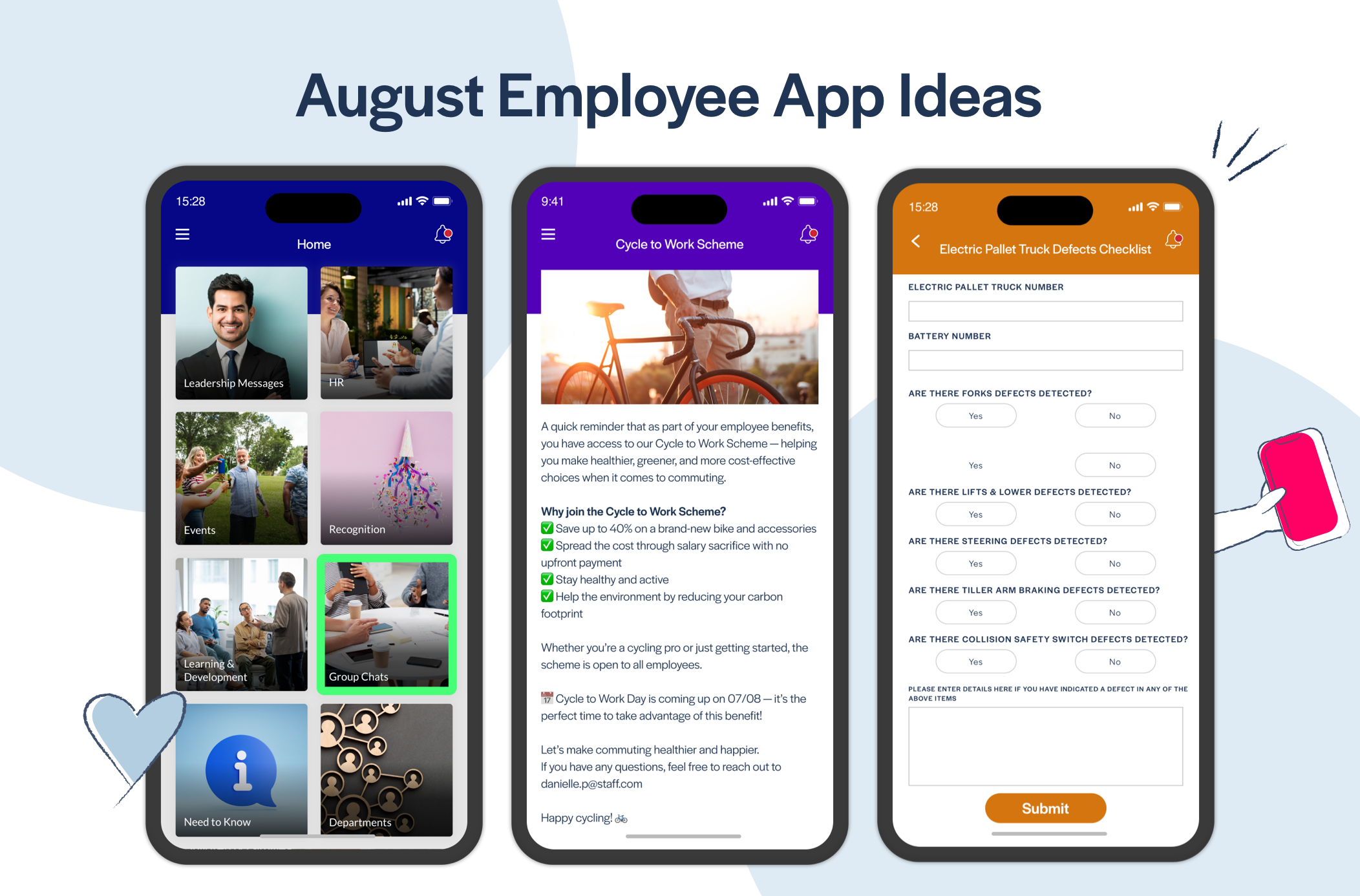
Awesome August Ideas to Give Your Thrive App a Big Boost!
By Ian McCutcheon, Client Success Manager, Thrive 6 August, 2026
Employee App Success


