
Blog
Level-Up Your Thrive App's Look & Feel With Our All-New Social List Layout
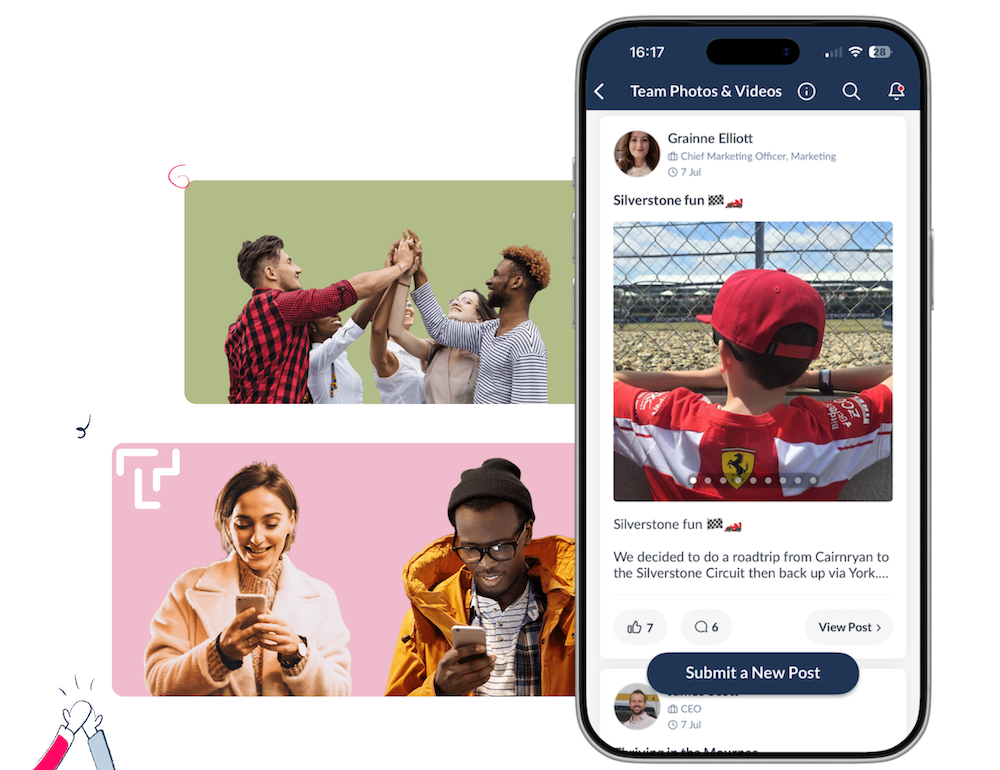
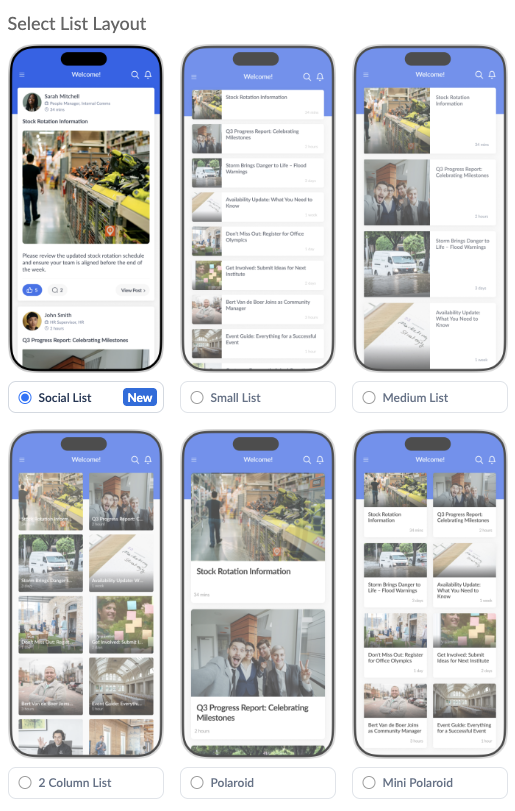
Our all-new Social List Layout is available now! The Social Layout gives your app a fresh look by evoking the style and feel of a social media feed. Try out the Social layout by selecting it in the Appearance tab of any of your app's lists in the Thrive CMS.

Turn User-Generated Content into a Social-Style Experience
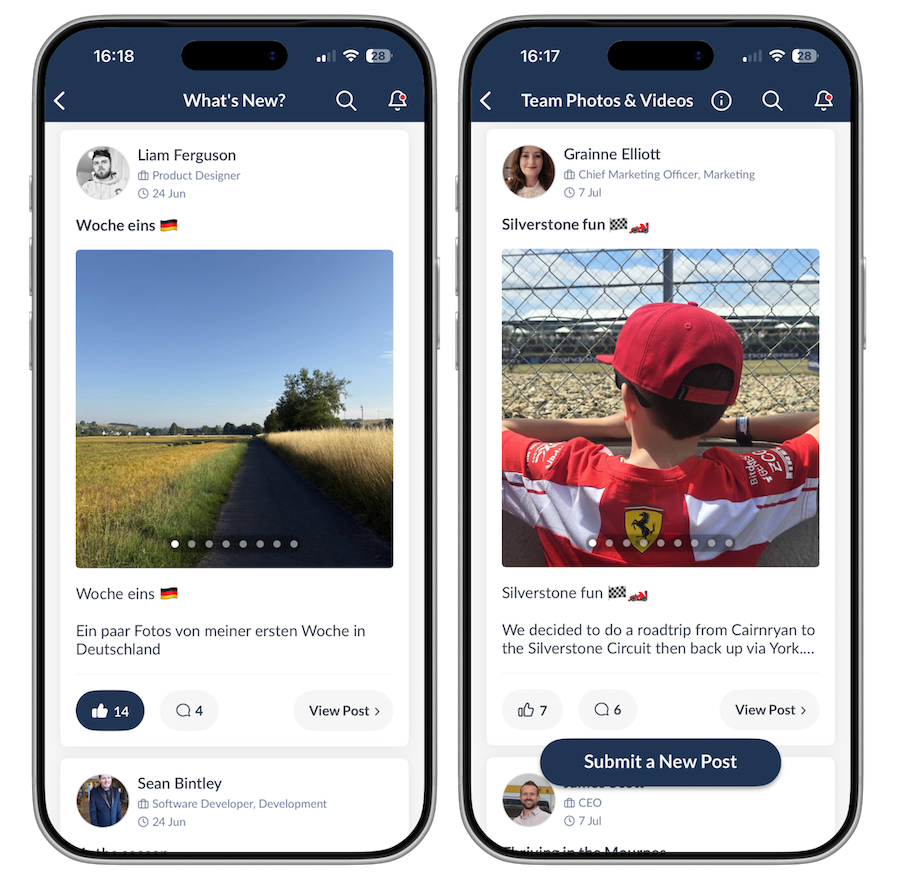
The Social Layout works particularly well for Lists in your app dedicated to User Generated Content, such as Share Your Photos, Peer to Peer Recognition, Buy & Sell, Share Your Stories, etc. With this layout your users can interact with each post through Likes and Comments without having to go in and out, but instead can scroll and interact right from the List, like you would on a social media feed.
Another cool thing about this new Social Layout is that if there are multiple photos in a post, you can swipe through them in a carousel - again, without having to go in and out of each post individually!
Tip #1
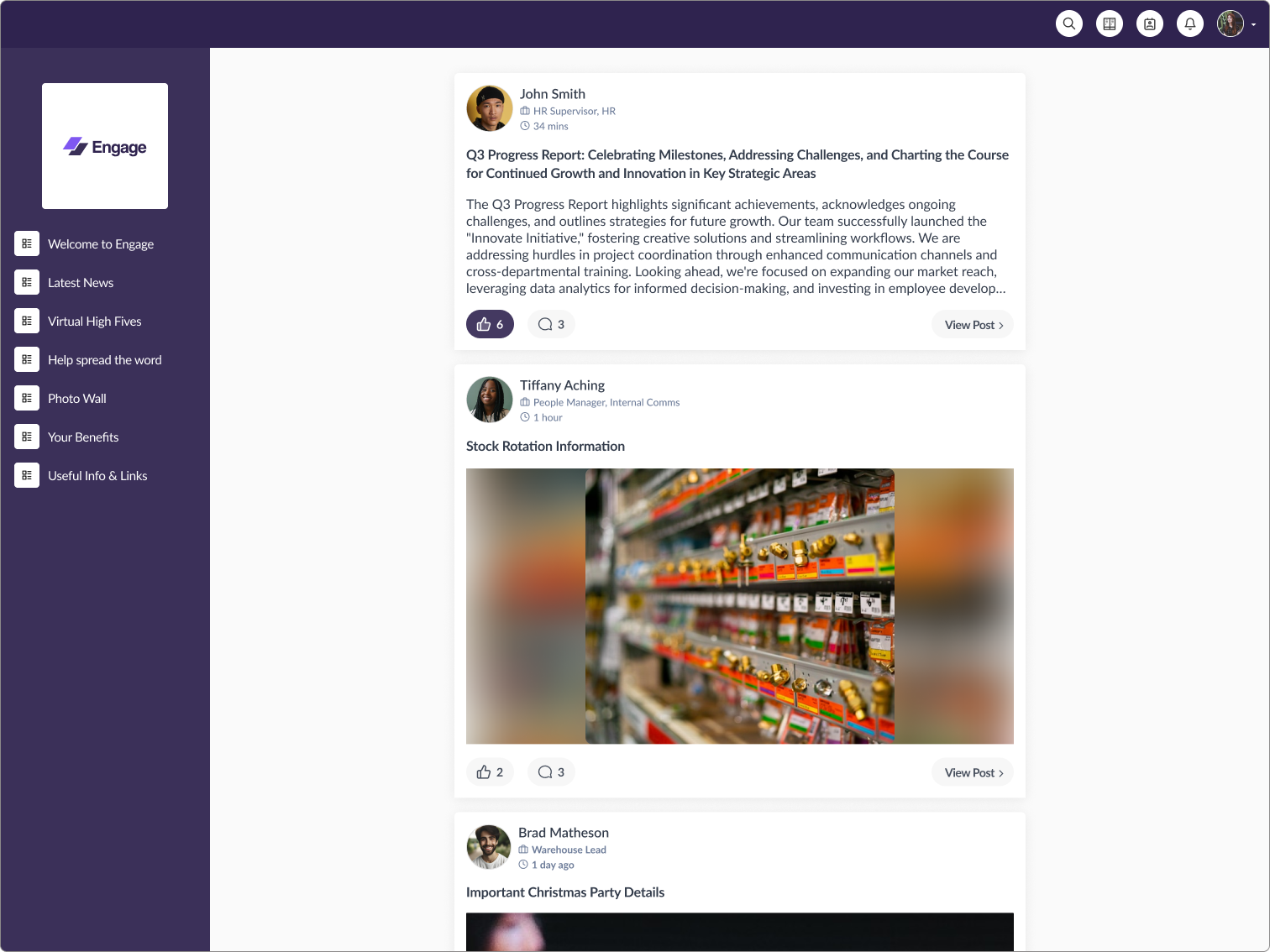
For maximum freshness of your app's look and feel, combine the new Social List Layout with our new Combined Highlights Feed feature! Create a Combined Feed at the top of your app's Home Screen, set up your source lists to pull new content from right across your app, and use the Appearance tab to set your Combined Feed's layout to the new Social List Layout. Now you've got a feed showing all the new content in your app so your users don't have to go hunting for what's new, and that feed is displayed with a fresh social media look, with a vibe that feels familiar and comfortable to your employees!
And yes, the Social Layout is also available in your webapp!
Tip #2
A quick tip when switching to the Social Layout
When selecting the Social Layout from the Appearance tab, make sure Display Hero is switched off.
Leaving Display Hero enabled will cause elements of the old and new layouts to appear together, resulting in an inconsistent look. For the best experience, simply leave this option unticked when using the Social Layout.
Get Your App Ready for the New Social Layout
We’re currently rolling out the latest version of Thrive across all customer apps, which includes access to the new Social Layout.
Want to check if your app has already been updated? Simply go to Settings > About and take a look at the version number displayed there.
If your app is running version 20.26.7, you’re all set and ready to start using the new Social Layout.
If you’re on an earlier version and can’t wait to give the Social Layout a try, get in touch with our Support Team at support@thrive.app and ask for your app update to be prioritised.
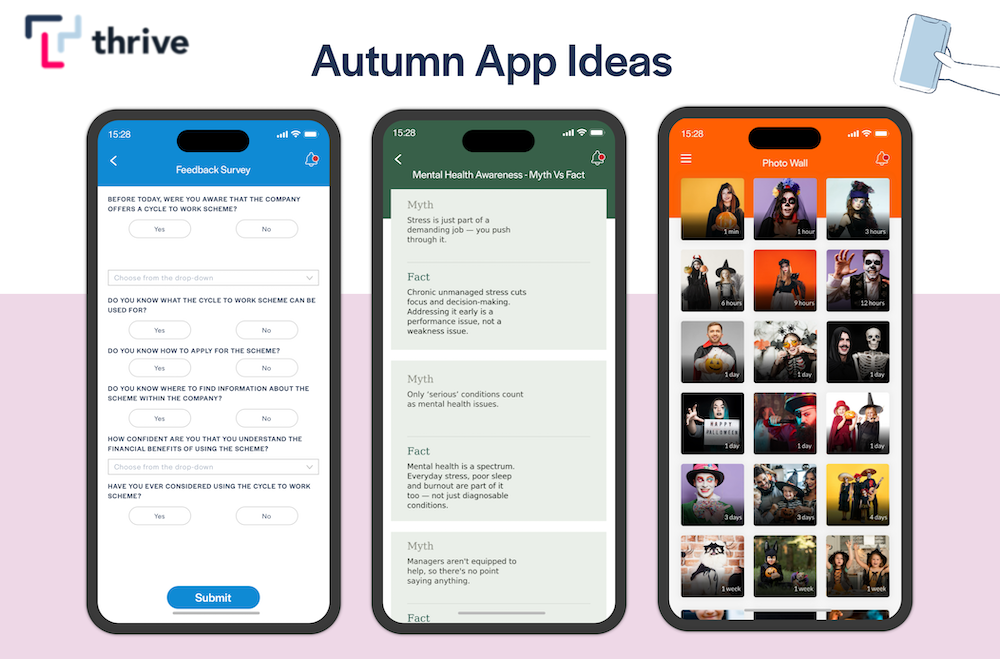
Autumn Ideas to Brighten Up Your Employee App This October
By Ian McCutcheon, Client Success Manager, Thrive 5 October, 2026
Employee App Success
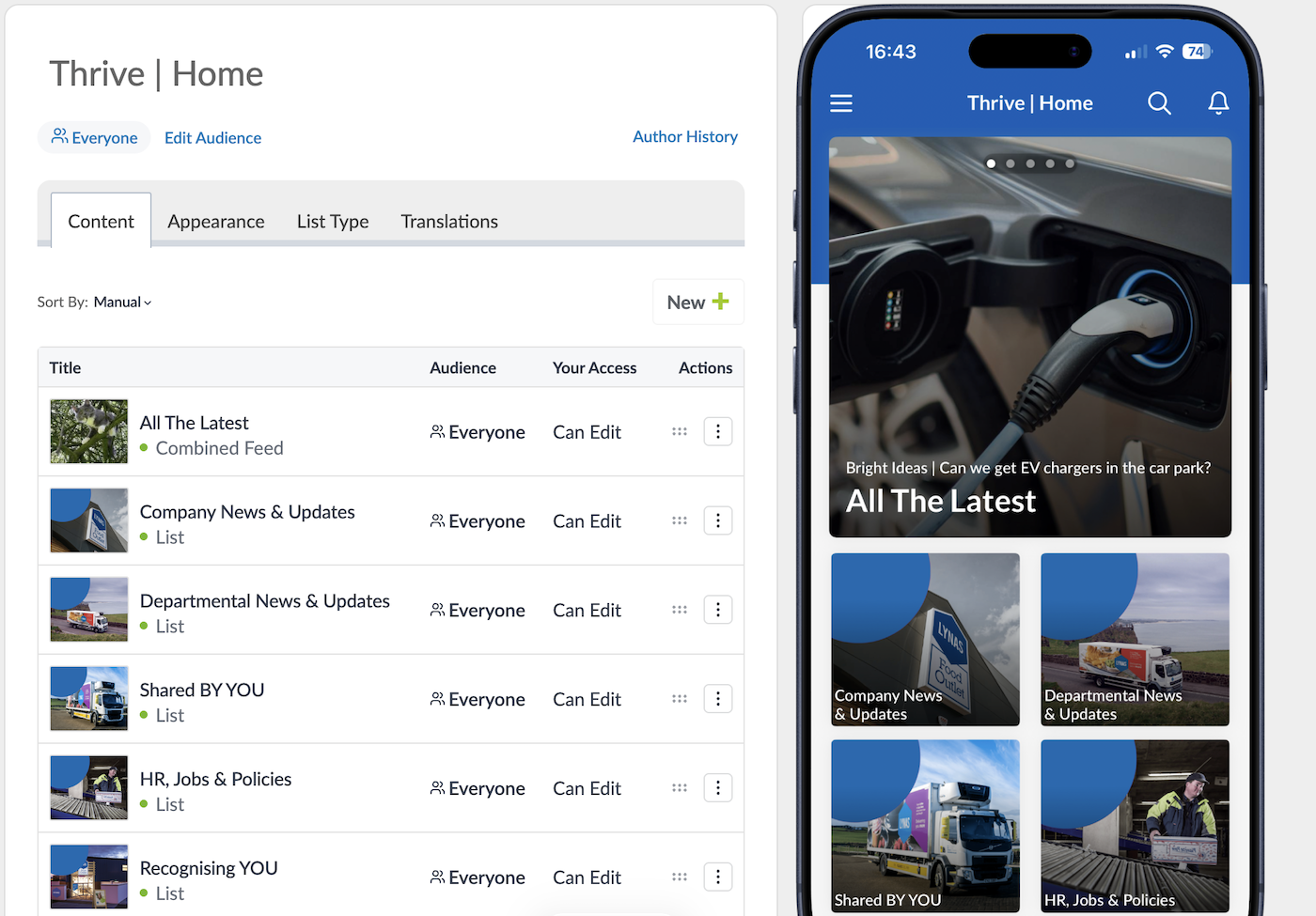
Improve Content Discoverability with our New Combined Highlights Feed
By Ian McCutcheon, Client Success Manager, Thrive 9 September, 2026
Feature Updates
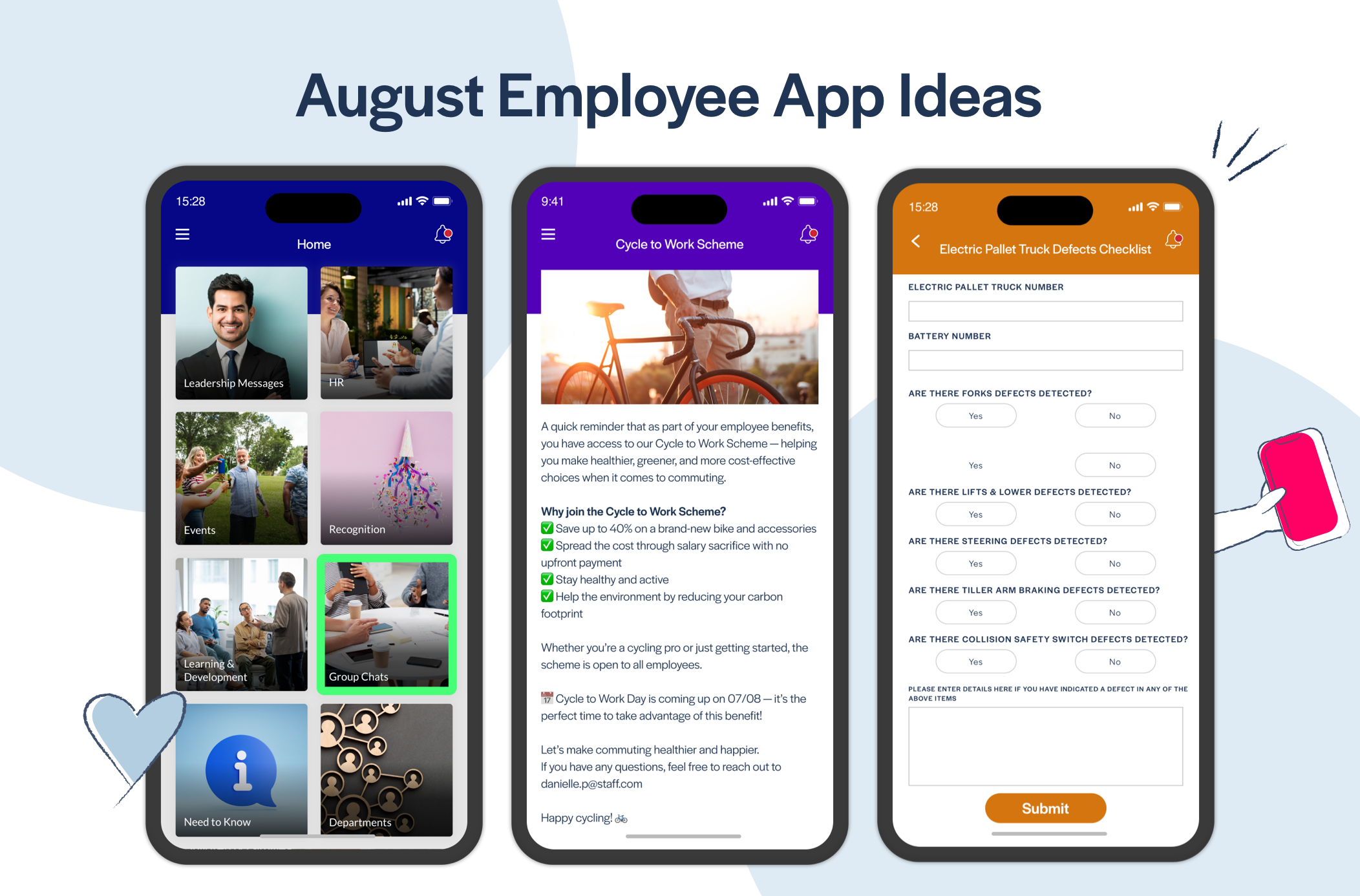
Awesome August Ideas to Give Your Thrive App a Big Boost!
By Ian McCutcheon, Client Success Manager, Thrive 6 August, 2026
Employee App Success


