
Blog
Ask, Vote, Engage! Introducing Polls On Pages To Your Thrive Employee App
We're excited to introduce a new feature to your Thrive employee app – Polls on Pages! Polls provide a quick, simple and interactive way to encourage employees to get involved, share their opinions and have their say. Whether you're looking to gather feedback, ask a quick Pulse Survey question, spark conversation or simply add a little fun to your app, polls are a great way to bring your workforce together.

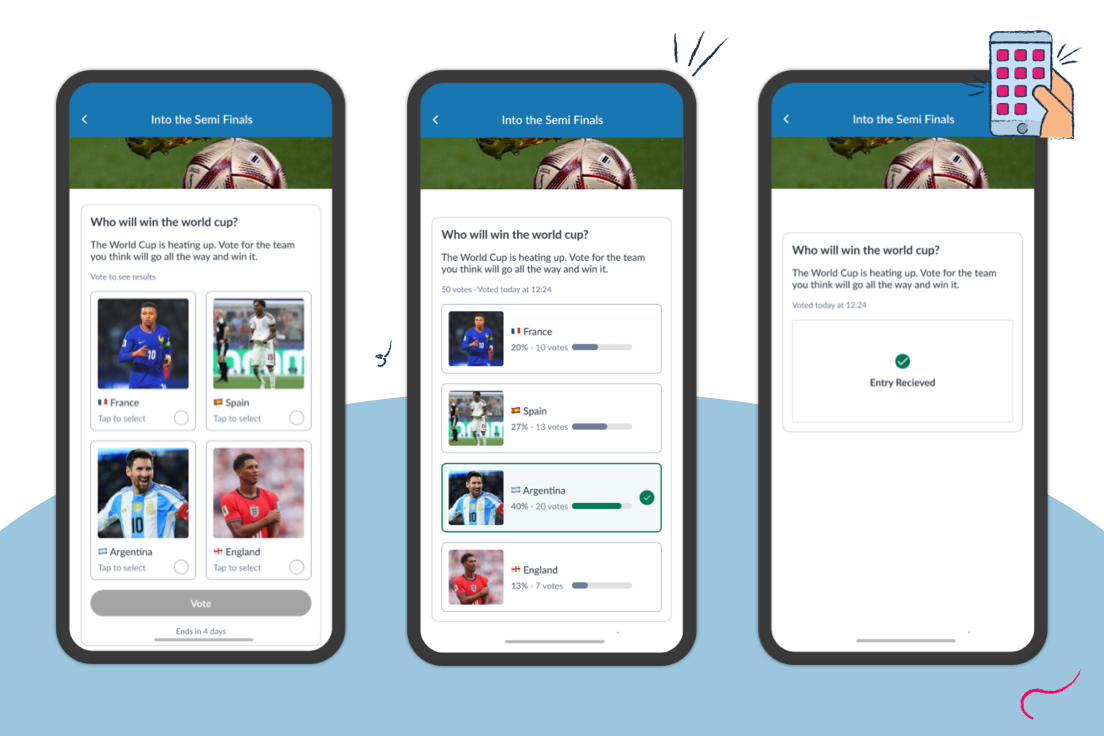
With our new Polls feature, you can:
- Create polls with up to 20 answer options, giving employees plenty of choices.
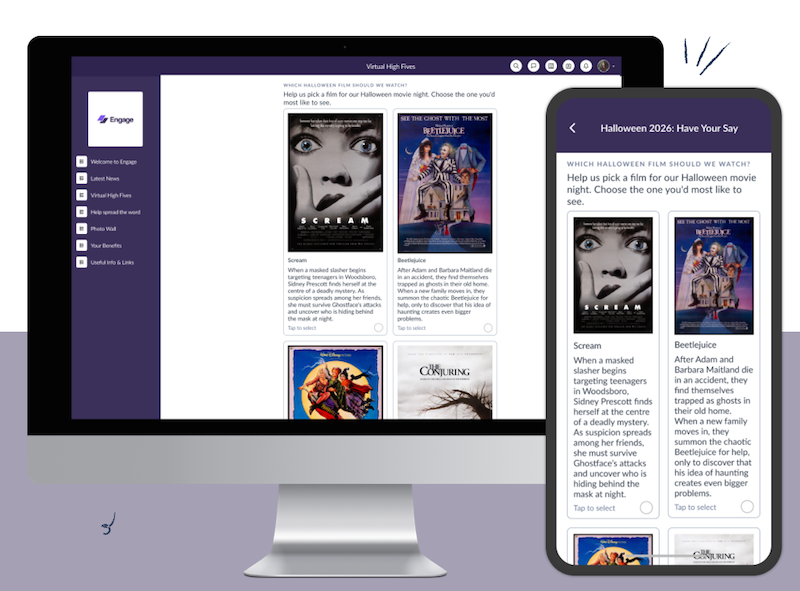
- Add images to individual poll options, making your polls more visual and engaging.
- Choose from 3 different display layouts to give a Poll your desired look and feel. Text only, images inline, and 2-column!
- Choose whether employees can see the results after they've cast their vote, depending on whether you'd like them to see the state of voting so far or keep them hidden and announce the result later.
- Add multiple polls to a single page, to create a multi-question survey!
How could you use polls in your employee app?
The possibilities are endless! You could ask employees to vote for their preferred venue for your Staff Christmas Dinner, choose a theme for an upcoming staff celebration, share feedback on workplace initiatives or even to let you know how they're feeling about their work.
Our Polls feature is also the perfect way to ask quick and one-off Pulse Survey questions from time to time in your app. Using quick, one-question polls to take your employees' temperature on a particular issue is much more likely to get substantially higher response rates than the likes of an annual employee survey asking fifty different questions all at once!
Polls are also a great way to give employees a voice in everyday decisions. By making it easy for people to participate and see that their opinions matter, you can help build a more inclusive, connected and engaged workforce!
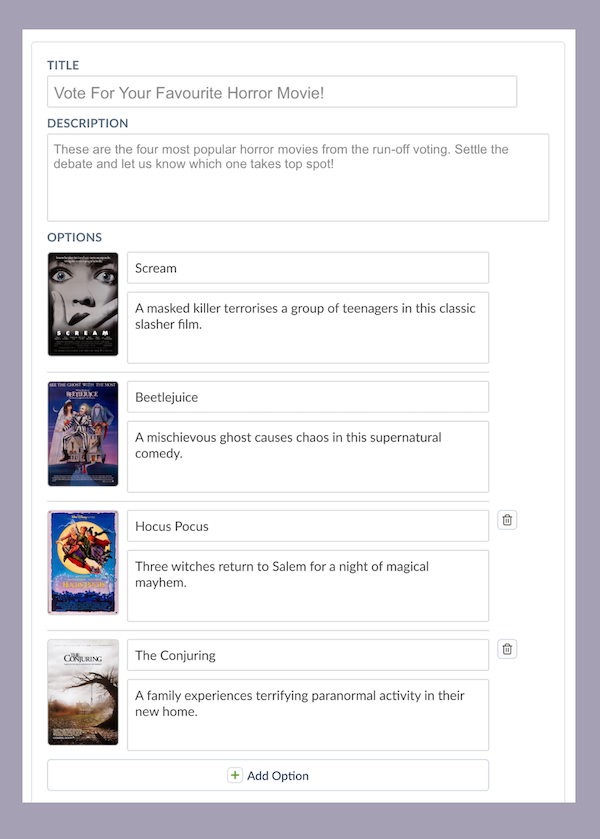
Ready to get Polling? Start Here...
Press + to start adding content to a page in the Thrive CMS and you'll notice the new Poll module. But before you get started make sure to visit this link on the Thrive Help Centre for full guidance and a walkthrough on how to use and make the most of this awesome new polling feature!
We'll need to update your app to display Polls
We're in the process of updating all of our customer apps to the latest version that will allow you to use the new Polls on Pages feature.
To check if your app has already been updated, go to Settings > About and check the version number on that screen. If the number there says 20.36.82 then your app is up to date. If it's a lower version and you're really keen to start adding Polls ASAP, please email our support team to ask for your app update to be prioritised!
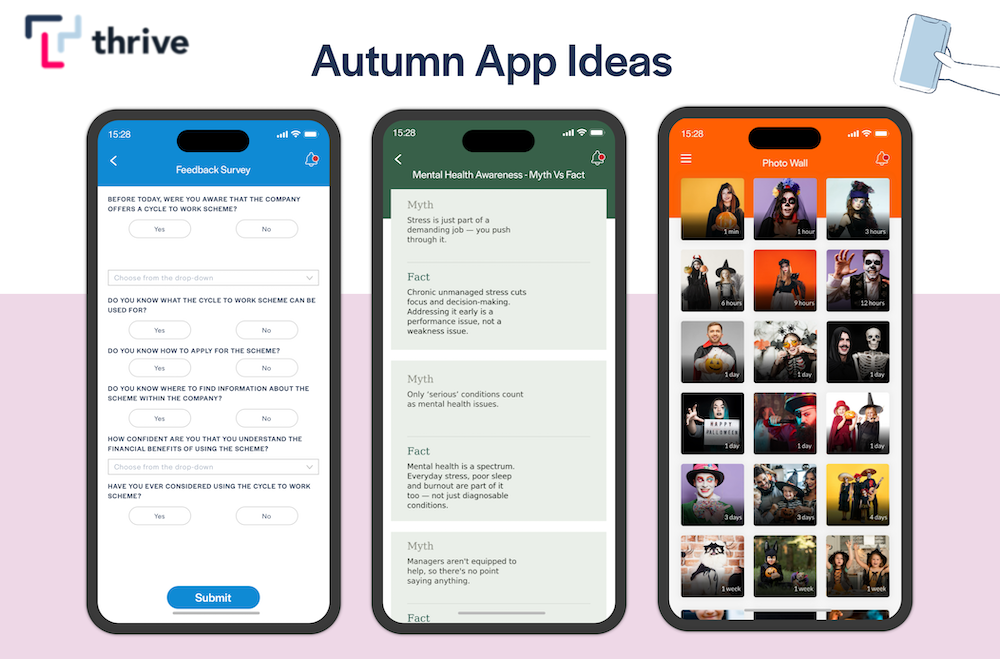
Autumn Ideas to Brighten Up Your Employee App This October
By Ian McCutcheon, Client Success Manager, Thrive 5 October, 2026
Employee App Success
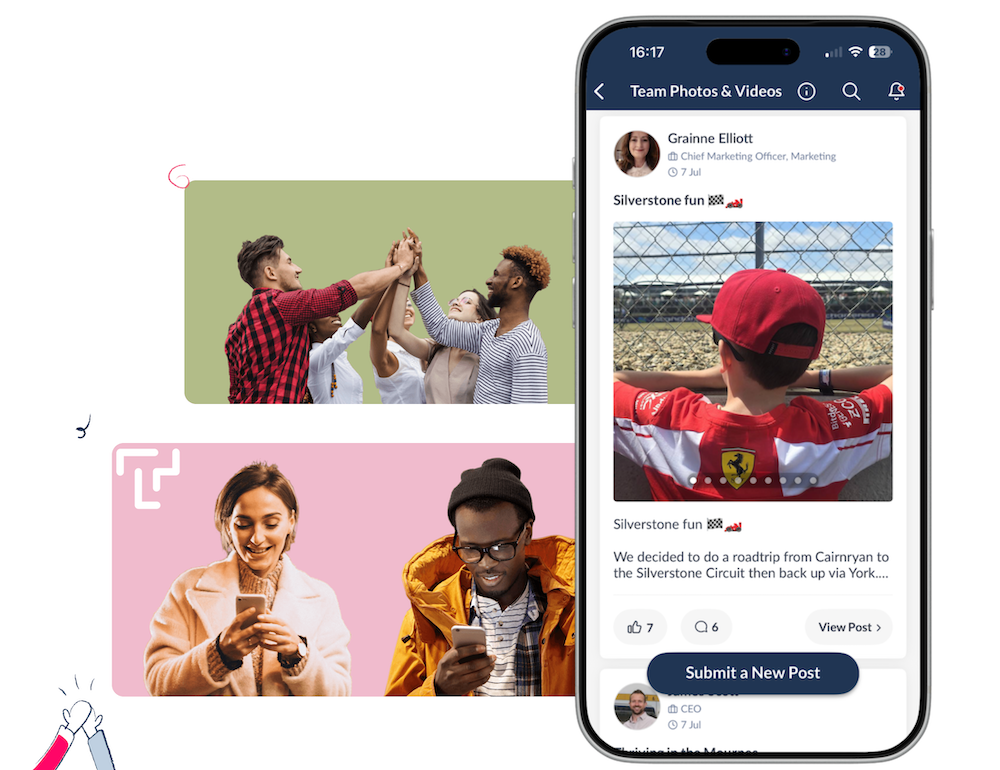
Level-Up Your Thrive App's Look & Feel With Our All-New Social List Layout
By Ian McCutcheon, Client Success Manager, Thrive 17 September, 2026
Feature Updates
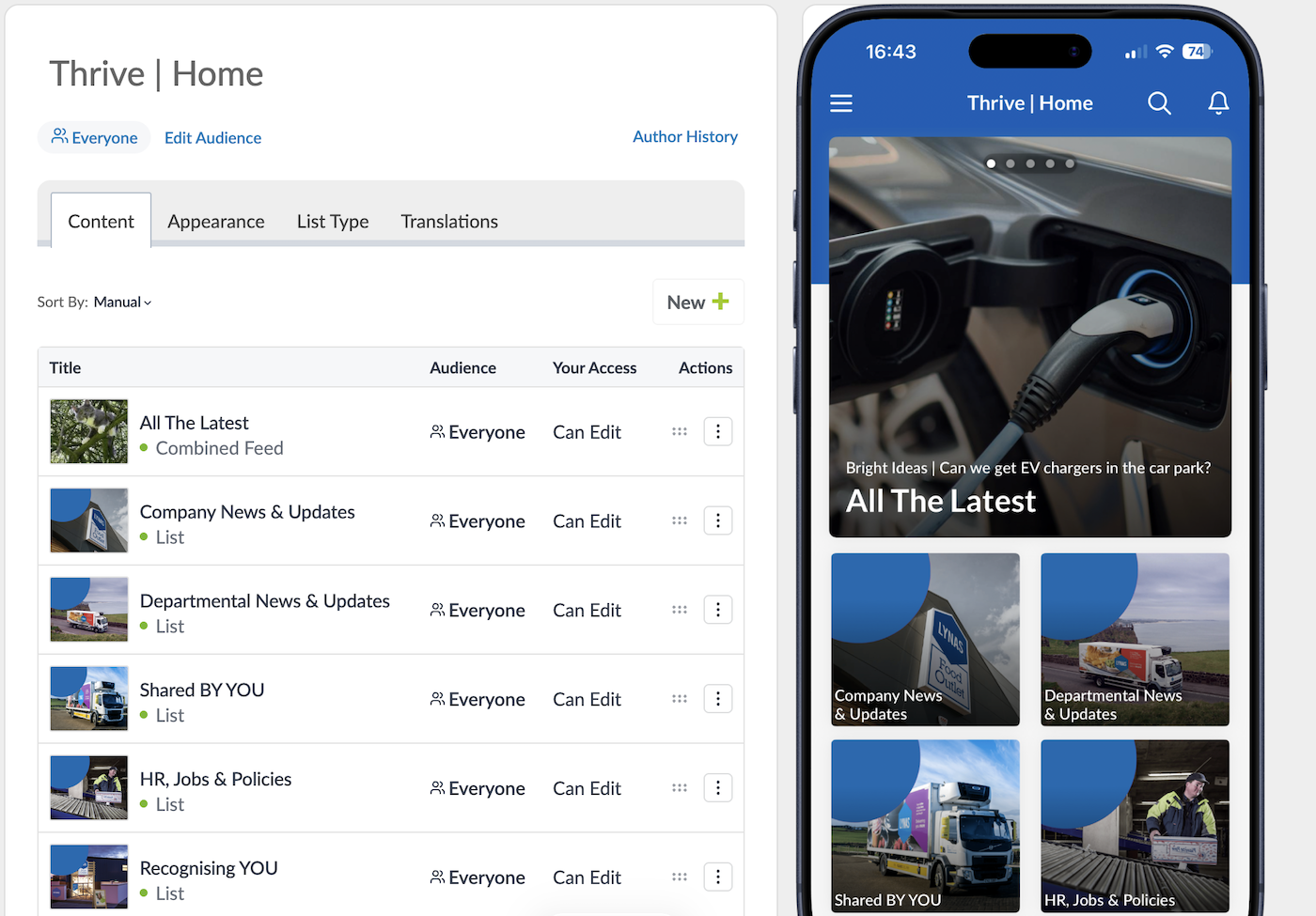
Improve Content Discoverability with our New Combined Highlights Feed
By Ian McCutcheon, Client Success Manager, Thrive 9 September, 2026
Feature Updates


